
When this original website was live, there were a number of addresses that would bring you to the splash screen, including www.jkrowling.com; www.jkrowling.org; www.jkrowling.co.uk; www.jkrowling.net; www.jkrowling.info; www.jkrowling.tv; and others.
The home screen allows you to choose to view the site in one of 6 different languages by clicking on a national flag.
English (Great Britain)
French (France)
German (Germany)
Italian (Italy)
Spanish (Spain)
Japanese (Japan)
Clicking through from one of these links takes you to the Desktop, which is the “main menu” for the website.
There is also a text-only version that has all of the information, but none of the Flashplayer tricks and treats.
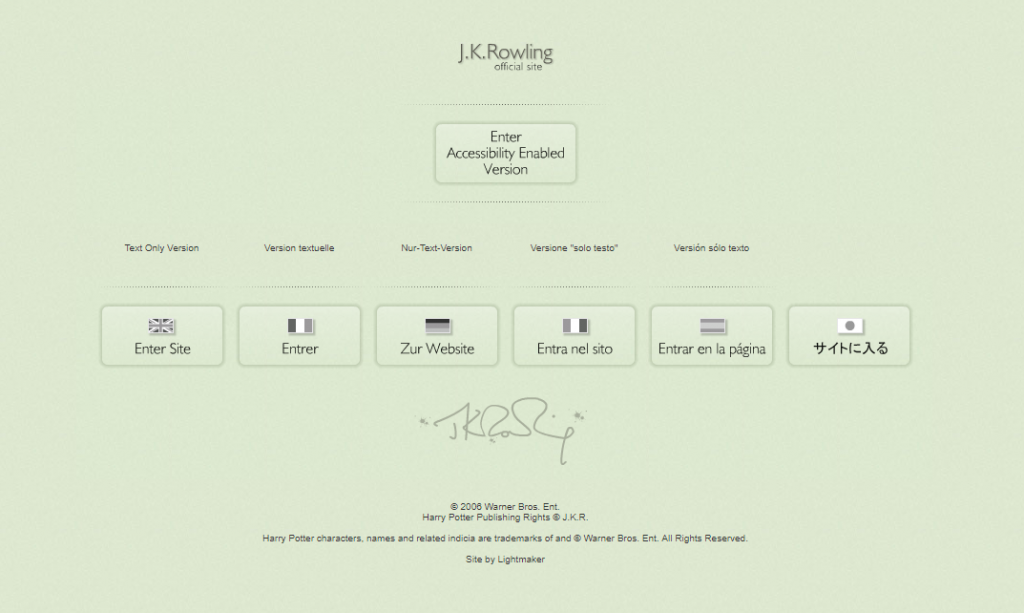
The link appeared at the top of the page until December 14, 2005 when a redesign moved the Accessibility button to the top and added Text Only options above each of the flags for the multiple language versions (except Japanese).
Once you have done the “tricks” in the site, the scrapbook items, “treats”, etc. are saved in a Flashplayer folder on your computer so that it “remembers” what you’ve done. If you want to “erase” it and start over, you can empty that folder.
Using one of the other addresses will bring you to the “untouched” site, because it saves your activities in a different folder.
AOL users apparently have trouble. You may want to use a different browser in order to work the Flashplayer tricks and treats.
On July 18, 2005 a new option appeared on the splash screen:
Main Site Accessibility enabled
(which are aids for those with sight or hearing impairments, and who use assistive devices such as screen readers)
When you click this option it opens the site as before but with an Accessibility tools menu in the top title bar.
Originally, only the original 4 Scrapbook extras were available on the Accessibility Enabled version.
A box on the right displays in text which background sound is currently playing.
Another box offers Accessibility tools.
opening this tool bar offers:
– open site help
-mute sounds
-pause movements
-magnify daily news
When you click “open site help”, you find three sections.
-site overview-
-sound glossary-
-keyboard controls-
The site overview reads:
Navigating around J K Rowling.com will uncover different areas and rooms. The experience starts on the desk. From here there are “Portkeys” to different environments, such as a library, trophy room or even the contents of the rubbish bin.
There are magical items around the site available for collection. Certain items will add bonus content to your scrapbook for safe keeping.
Please explore the site and see what you can find .
The “Sound Glossary” includes 13 separate pages (use the <<01/13>> scroll bar) for each of the different rooms screens and lists the interactive sounds you will encounter while moving your cursor about. Clicking on each will play the sound.
The “Keyboard Controls” list offers a menu of keyboard controls for two types of assistive programs, JAWS and Window Eyes. (These controls navigate the cursor around the screen for those who cannot see the cursor, and thus do not use a mouse.)
JKR.com: Splash Screen